OkMap Desktop Manual
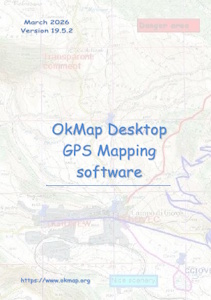
Download Desktop Manual (Free PDF)
Complete guide to OkMap Desktop for Windows, including map calibration, GPX data management, GPS navigation and advanced cartographic tools.
Table of Contents
- Software installation
- First start
- Interface overview
- Basic cartographic concepts (datums, projections, map types)
- Working with maps and 3D maps
- Map calibration and georeferencing
- Elevation data
- Vector data: creation and editing
- Photos, toponyms and comments (add-ons): creation and editing
- Waypoints, routes and tracks (GPX): creation and editing
- Map operations (tiling, rotation, cropping, resizing, merging)
- GPX data statistics and analysis
- Conversion tools
- GPS and navigation
- Remote data
- Utility tools
- Preferences